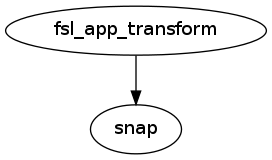
caps.utils.misc.ApplyXfm
ApplyXfm
- class caps.utils.misc.ApplyXfm(autoexport_nodes_parameters=True, **kwargs)[source]
Wraps FSL command flirt ApplyXfm is used to apply an existing tranform to an image and enables the creation of a QC snap.
Inputs
[Mandatory]
moving_image: a file name (mandatory)
input file
|
reference_image: a file name (mandatory)
reference file
|
[Optional]
in_matrix_file: a file name (optional)
input 4x4 affine matrix
|
Outputs
register_image: a file name
path/name of registered file (if generated)
|
Pipeline schema