Windows Quickstart
Installation
For Windows my suggestion is to use the standalone setup. You then dont have to install Python or other dependencies. It consists of ready-to-use executable files.
You can download it here: https://zoid.ewelt.net/dist/
Download the latest version file that ends with standalone-setup.exe and run it.
After the setup is finished a black window will appear and Zoid will initialize its environment.
This means in detail that it will create its home folder .zoid, download steamcmd and perform a short selftest.
Using the command promt
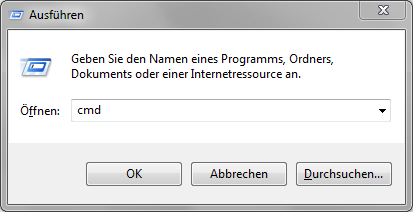
Zoid is a command-line tool, so you need to know how you open and use it. Press Windows Key + R and in this dialog type cmd.
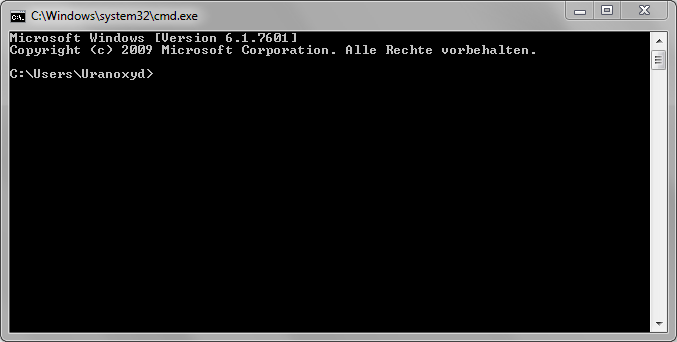
You now should see the command-prompt window:
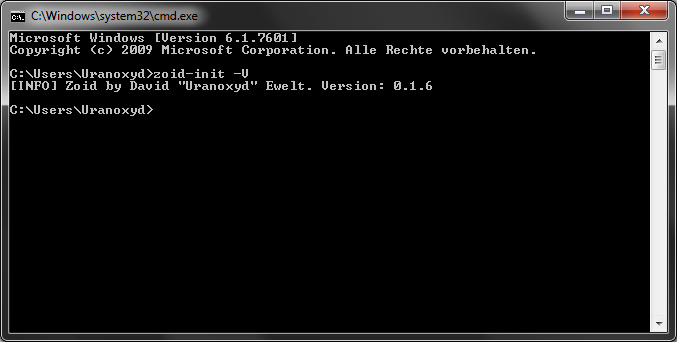
Now to ensure Zoid is installed and working correctly type zoid-init -V.
Zoid should now print its version number to you.